

1. Log in to Your Account
Go to Coins.co.th and click “Login.”
Enter your email address or phone number and password, then click “Login.”
If you have two-factor authentication (2FA) enabled, enter the verification code from your Authy or Google Authenticator app.
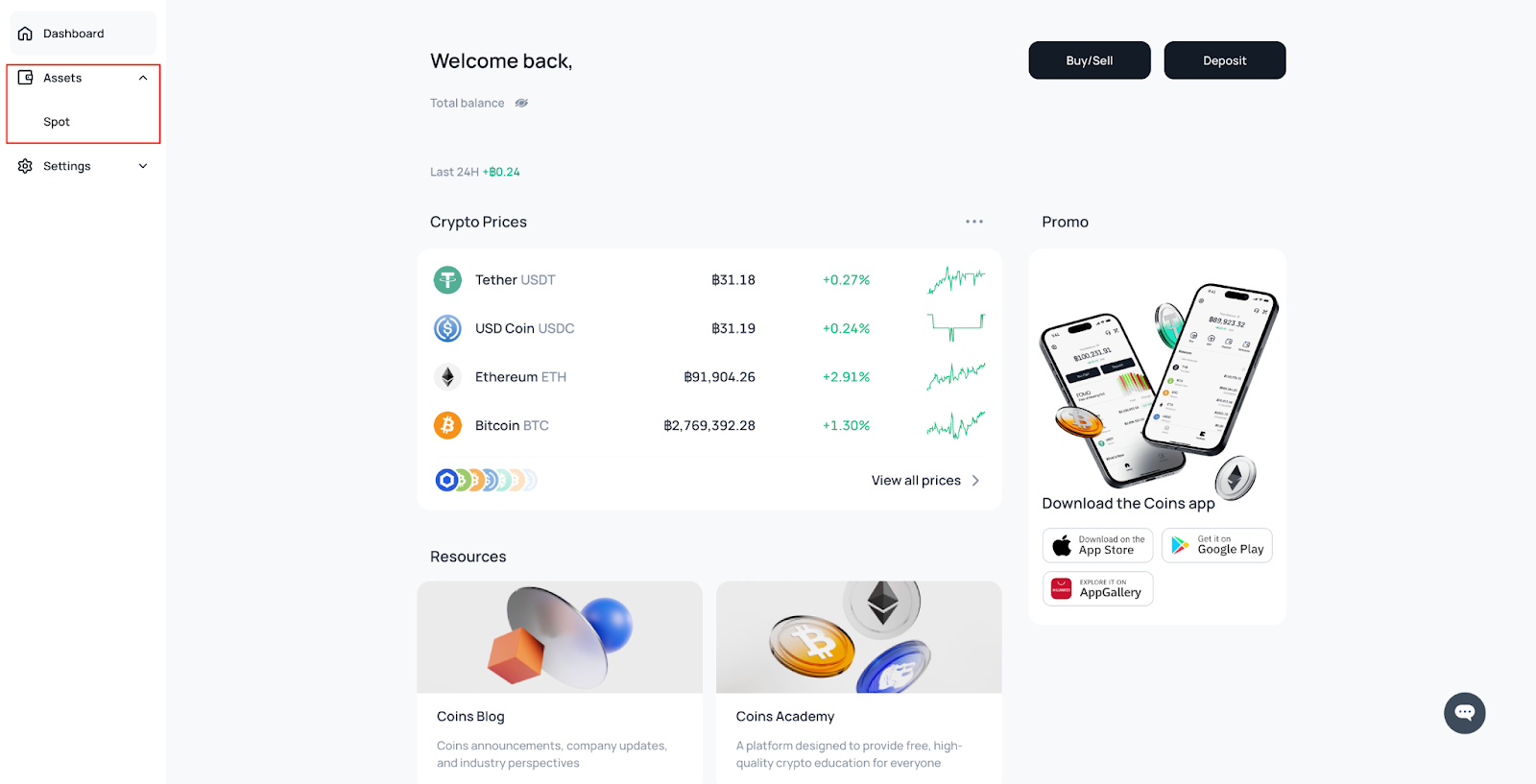
Once logged in, you will be redirected to your dashboard.
Click on the “asset” menu then “spot”
2. Click on the little 3 dots action row beside column THB > Cash-out
3. Enter Cash-Out Details
- Choose your preferred bank account.
- Select “Express Transfer.”
- Enter the amount of THB you want to withdraw.
Note: The maximum amount per transaction is 699,000 THB.
4. Review Payment Details
- The next page will display the transfer details, including:
- Your registered bank account
- The withdrawal amount
Make sure all details are correct before proceeding.
5. Complete Security Verification
- Follow the required security check (this may include 2FA or email/SMS verification).
- Once completed, your instant cash-out request will be processed.